
Best AC Thermostat Setting for Humid Summer in Minnesota
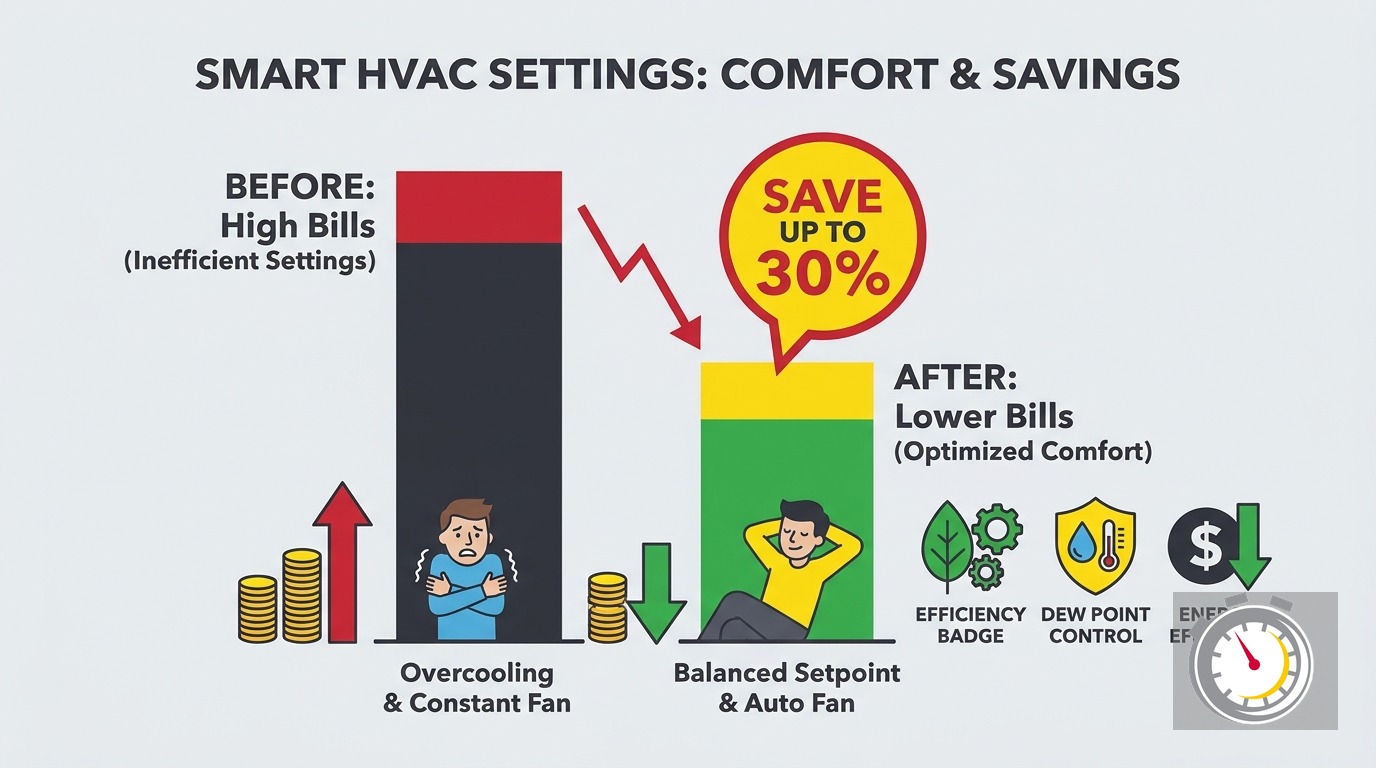
Key Takeaways
- Start with 78°F when you are home and awake. Raise it a few degrees when you are away.
- Humidity drives comfort as much as temperature. Aim for indoor relative humidity between 30 and 50 percent.
- Do not drop the setpoint to fix a sticky house. Lower numbers often cool the air without drying it.
- Keep the fan on Auto in most homes. Continuous fan can push moisture back into the air.
- Ceiling fans let you raise the setpoint without losing comfort.
- Adjust in order: humidity reading, setpoint, fan, ceiling fans, then dehumidification.
- If the house stays clammy at a normal setting, the problem is usually equipment, not the thermostat.
What is a good thermostat setting for a humid summer?
Set your thermostat to 78°F when you are home and awake. Raise it a few degrees when you are away. Then watch your indoor humidity. If the house feels sticky at 78°F, fix the humidity problem instead of chasing a lower number.
That is the short answer. The longer one matters in the Twin Cities, because our summers do not behave like a desert or a coast. We get cool, dry stretches. We also get tropical days that feel like the Gulf Coast.
One setting cannot handle all of that. You need a baseline number and a few adjustments.
We are Northern One Hour Heating & Air Conditioning, a locally owned and operated team in Ramsey. We spend every summer in Twin Cities homes. The advice below comes from what we see on real service calls, backed by public sources where we can cite them.
Why does humidity matter more than the number on the thermostat?
Your thermostat measures air temperature only. Your body also reacts to moisture in the air. When the air holds a lot of water, sweat evaporates slowly. Your skin stays damp, and the room feels warmer than the number says.
Two measures describe that moisture:
- Relative humidity (RH): how full the air is, as a percent of what it could hold at that temperature.
- Dew point: the temperature at which the air would start to drop water. It shows how much moisture is actually in the air.
Dew point is the better guide to how muggy it feels outside. When it climbs into the 60s and 70s, the air feels thick. That is a rule of thumb, not a precise cutoff.
Indoor RH is the number you can control. The EPA says indoor relative humidity should stay below 60 percent, ideally between 30 and 50 percent. That range keeps you comfortable. It also limits mold and dust mites.
A cheap hygrometer shows your indoor RH. Many smart thermostats show it too. Check it before you touch the setpoint.
How do Twin Cities dew points change through summer?
They swing a lot. June can feel mild one day and soupy the next. July and August bring the muggiest stretches. Late August can surprise you with a week of heavy air.
The Minnesota DNR keeps Twin Cities dew point records and has written about extreme dew point days in the metro. Both pages show how high our humidity can run.
So one fixed schedule will not fit every week. A setting that feels perfect during a dry June can feel clammy in a humid July.
You have two simple options:
- Keep a baseline schedule and adjust it when a muggy stretch arrives.
- Use a thermostat with a humidity display or dehumidify mode, and let it help.
Either way, treat humidity as your cue. When the indoor reading creeps past 50 percent, change something. Don’t wait until the house feels swampy.
What temperature should you set your thermostat at when you are home?
Use 78°F as your starting point when you are home and awake. The U.S. Department of Energy says running your AC at 78°F instead of 72°F can save between 6 and 18 percent on your cooling bill.
Treat that as DOE’s estimate, not a promise. The article is from 2012, and it does not cover humidity. Your savings depend on your home, your system, and your habits.
Still, the direction is sound. Every degree you raise the setpoint cuts the work your AC does. Over a Minnesota cooling season, that adds up.
Here is how to find your own number:
- Start at 78°F for a few days.
- Check how the house feels in the evening.
- Lower the setting by one degree if you feel warm.
- Check indoor humidity before you lower it again.
Most people land between 74°F and 78°F. If you need to go below 74°F to feel comfortable, something else is usually wrong. We cover those causes later.
What should you set when you are away or asleep?
Raise the setpoint a few degrees when no one is home. An empty room doesn’t need to feel perfect. A moderate setback saves energy without making recovery hard.
Don’t go extreme. If you set the AC to 88°F, the house heats up and humidity builds inside. Your system then has to work hard to recover. On a muggy afternoon, it may struggle to pull the moisture back out.
A few degrees warmer than your home setting is a good rule. That keeps the house out of the danger zone for humidity.
For sleep, many people like a slightly cooler bedroom. Others sleep fine at the daytime setting. Pick what lets you rest, then schedule it.
Programmable and smart thermostats make this easy. The DOE says programmable thermostats can save up to $150 a year on energy costs when used properly. Note the words “used properly.” A schedule you override every day saves nothing.
If your thermostat is old, an upgrade may pay off. Our smart thermostat guide for the Twin Cities explains what to look for. You can also see our thermostat services.
For a look at how schedules work in practice, our post on real setback savings numbers in Minnesota compares the savings logic to winter.
Should the fan be on Auto or On?
In most homes, leave the fan on Auto during humid weather. This is our technicians’ field experience, not a published study, so treat it as practical guidance.
The reason is the coil. When your AC runs, the indoor coil gets cold. Moisture from the air condenses on it and drains away. That is how your AC dehumidifies.
When cooling stops, the coil is still wet. If the fan is set to On, it can blow air across that wet coil. Some of the water can evaporate and return to your rooms. You lose some of the humidity you just removed.
Auto avoids that. The fan runs only while the system is cooling. The coil drains, and the moisture leaves through the condensate line.
There are exceptions. Some homes have uneven rooms and benefit from steady airflow. Some systems have variable-speed blowers designed for continuous low-speed use. Those setups can behave differently.
If you are not sure, test it:
- Set the fan to Auto for a week.
- Watch indoor humidity and comfort.
- Switch to On for a week and compare.
For more detail, read our guide to the Auto vs. On fan setting in Twin Cities homes.
Does overcooling the house remove humidity?
Not reliably. Many homeowners lower the thermostat when the house feels sticky. It seems logical, but it often backfires.
Your AC removes moisture while it runs. Long, steady cycles pull out more water than short, choppy ones. A lower setpoint makes the system run longer, but only if the system is sized and working well.
An oversized AC cools the air fast, then shuts off. The air feels cold but still damp. The coil never runs long enough to drain much moisture. Then the system starts again, and you feel clammy and chilly at the same time.
That pattern is called short cycling. Signs include:
- The AC turns on and off every few minutes.
- Rooms feel cold but damp.
- Your energy bills run high for the size of your home.
- Humidity stays above 50 percent even at low settings.
If that sounds familiar, read our posts on oversized AC problems and AC short cycling causes and fixes. A proper load calculation also matters. Our guide to right-sizing with a Manual J calculation explains how it works.
Overcooling also wastes money. Each degree below your comfort point costs energy. If humidity is the real problem, you pay more and feel no better.
What is a comfortable indoor humidity level?
Aim for 30 to 50 percent relative humidity. The EPA says indoor RH should stay below 60 percent, ideally between 30 and 50 percent. Above 60 percent, mold and dust mites have an easier time. Below 30 percent, the air can feel dry.
In a Twin Cities summer, the hard part is staying under the top of that range. Outdoor humidity pushes in through leaks, open doors, and normal living. Cooking, showers, and laundry add more.
You can lower indoor humidity in several ways:
- Run bathroom and kitchen exhaust fans during and after use.
- Fix duct leaks and air leaks that pull in humid air.
- Keep the AC running steadily instead of short cycling.
- Add a dehumidifier when the AC alone cannot keep up.
Basements are a common trouble spot. Our guide to basement humidity control in summer covers that in detail.
The opposite problem happens too. An AC can run so hard that it leaves the house too dry. Our post on ACs that make a house too dry in summer explains when.
Winter has its own humidity rules. See our guide to humidistat settings in a Minnesota winter to compare.
A simple order of adjustments
Most people change the wrong thing first. They crank the thermostat down. Try this order instead. It saves energy and often fixes the problem sooner.
Step 1: Check indoor humidity. Read your hygrometer or thermostat display. If RH is between 30 and 50 percent, humidity is not your issue. If it is above 50 percent, keep going.
Step 2: Set a sensible baseline. Start at 78°F while you are home and awake. Give the house a few hours to settle.
Step 3: Check the fan. Make sure it is on Auto, unless your system was designed for continuous airflow. Our technicians see this one set wrong more often than you would expect.
Step 4: Add ceiling fans. Fans cool you, not the room. More on that below.
Step 5: Lower the setpoint one degree at a time. Only do this if you still feel warm. Wait several hours between changes. Watch humidity as you go.
Step 6: Add dehumidification. If RH stays high after the first five steps, the AC alone is not enough. A dehumidifier or a system check comes next.
This order keeps you from overcooling. It also gives you a clear signal when something is wrong with your equipment.
Ceiling fans and smart settings
Ceiling fans are one of the cheapest comfort tools you have. The DOE says a ceiling fan will allow you to raise the thermostat setting about 4°F with no reduction in comfort. The same article notes that fans cool people, not rooms.
That second point matters. A fan moves air across your skin. It does not lower the room temperature. If no one is in the room, turn the fan off.
Direction matters too. In summer, ceiling fans should push air down in a counterclockwise spin when you look up at them. Our post on ceiling fan direction and HVAC efficiency shows how to check yours.
Pair fans with a slightly higher setpoint. For example:
- Keep the thermostat at 78°F.
- Run ceiling fans in the rooms you use.
- Check that humidity stays under 50 percent.
If you still feel warm, lower the setpoint by one degree. Often you won’t need to.
Windows are another tool. On a dry, cool evening, opening them can save energy. On a muggy day, they let moisture in. Our guide on when to open windows vs. run the AC helps you decide.
Utility programs worth checking
Xcel Energy runs programs for Minnesota customers who use an eligible smart thermostat. Details and payment amounts change, so check the Xcel Energy AC Rewards page for current terms. You can also review the Xcel Energy Minnesota residential rebate sheet.
Our post on Xcel and CenterPoint HVAC rebates walks through how to find and stack incentives.
When the thermostat is not the problem
Sometimes no setting works. You lower the number, and the house stays muggy. You raise it, and the house feels hot. Time to look at the equipment.
Common causes include:
- An oversized AC. It cools too fast and removes too little moisture.
- A dirty evaporator coil. Dust blocks airflow and cuts dehumidifying.
- Low refrigerant. The coil does not get cold enough to pull out water.
- A clogged condensate drain. Water backs up instead of leaving the house.
- Duct leaks or poor return air. The system pulls in humid air from attics, crawl spaces, or outdoors.
- A dirty filter. Weak airflow hurts both cooling and dehumidifying.
Our guides cover several of these:
- Dirty evaporator coil symptoms
- Clogged AC condensate drain line fix
- Why your AC runs but your home still feels warm
- How often to change your HVAC filter
A yearly tune-up catches many of these before summer. Our air conditioning maintenance service checks coils, drains, refrigerant, and airflow. You can also read about what an AC tune-up includes.
When a dehumidifier makes sense
If your AC is healthy and humidity still runs high, add dehumidification. This is common in finished basements, tight newer homes, and houses with lots of moisture sources.
A portable unit can handle one room. A whole-home unit ties into your ducts and treats the whole house. Our posts on portable vs. whole-home dehumidifiers and whole-home dehumidifiers for sticky Twin Cities days explain the tradeoffs. You can also see our dehumidifier options.
When it is time to replace the AC
If your AC is old, oversized, or failing often, repair may not solve the humidity problem. A right-sized, variable-speed system runs longer at lower output. That removes more moisture and holds temperature steadier.
Read our guides on variable-speed AC benefits and AC replacement cost in Minnesota to see what to expect. Financing is available for larger jobs, so ask about options when you get a quote.
How Northern One Hour can help
If you have tried the steps above and your home still feels clammy, call us. We will check your system, your airflow, and your humidity. Then we will tell you plainly what we find.
We are locally owned and operated. We live and work in the same Twin Cities summers you do. We know how fast conditions change, and what that does to AC systems.
Our promise is simple: “Always On Time… Or You Don’t Pay a Dime!(R)” We arrive within the time window you select. If your technician does not show up on time, you do not pay for the service.
Here is what you can expect:
- Clear answers in plain language.
- Honest, transparent pricing.
- A 100% satisfaction guarantee.
- Help with both repairs and replacement planning.
To get started, call (763) 260-6662 or book online. You can also learn more about our air conditioning services, including AC repair and central air installation.
A quick summer settings cheat sheet
Use this as a starting point. Adjust for your home.
| Situation | Starting setting | What to check |
|---|---|---|
| Home and awake | 78°F | Indoor RH under 50 percent |
| Away for the day | A few degrees warmer | House does not build humidity |
| Sleeping | 76°F to 78°F, or cooler if you prefer | Comfort and RH overnight |
| Muggy stretch | Keep 78°F, add ceiling fans | Fan on Auto, check dehumidifying |
| House still clammy | Do not lower the setpoint first | Equipment, airflow, or dehumidifier |
For a plan that covers the whole year, see our guide to year-round home humidity schedules. For more ways to trim summer bills, see cutting energy costs in summer without losing comfort.
The bottom line
No single number fits a humid summer. Start at 78°F while you are home, keep the fan on Auto, and use ceiling fans. Watch indoor humidity and keep it between 30 and 50 percent.
If the house feels sticky, resist the urge to crank the thermostat down. That move often costs more and works less. Look at humidity, airflow, and equipment first.
When you want a second opinion, call Northern One Hour at (763) 260-6662 or book online. We will help you get comfortable without overspending.
Frequently Asked Questions
What are the recommended thermostat settings for summer? +
What is a comfortable indoor temperature in summer? +
Does a lower thermostat setting dry out humid air faster? +
Need a technician now?